The best AI tools for video editing in 2026 (the ones I actually use)
Seven AI video editors that cut real hours out of the work, ranked by who they suit best. From first rough cut to a polished clip in an afternoon.
By The Daily Query · · 3 min read
 query://tools
For years I treated video editing like a tax I had to pay to publish anything. Record for twenty minutes, then lose an evening to trimming dead air, chasing "ums," and re-exporting because I cut one frame too tight. The footage was never the hard part. The scrubbing was.
That is the part AI actually fixed for me. Not the flashy "generate a movie from a sentence" demos, which still look like a screensaver having a bad dream, but the boring middle: transcribing, cutting on silence, cleaning audio, resizing for vertical. The stuff that used to eat the night.
So I stopped collecting tools and started keeping only the ones that survived a month of real deadlines. Below are the seven that earned a spot, what each one is genuinely good at, and the single job I reach for it. If you make videos and still edit them by hand, at least two of these will feel like cheating.
Descript
Descript is the one I would hand a nervous beginner. You edit the video by editing a text transcript, so deleting a sentence deletes the footage. Its "Studio Sound" cleanup makes a phone mic sound close to a treated room, and the filler-word removal quietly deletes every "um" in one click. If you talk to camera or record a podcast, start here.
Opus Clip
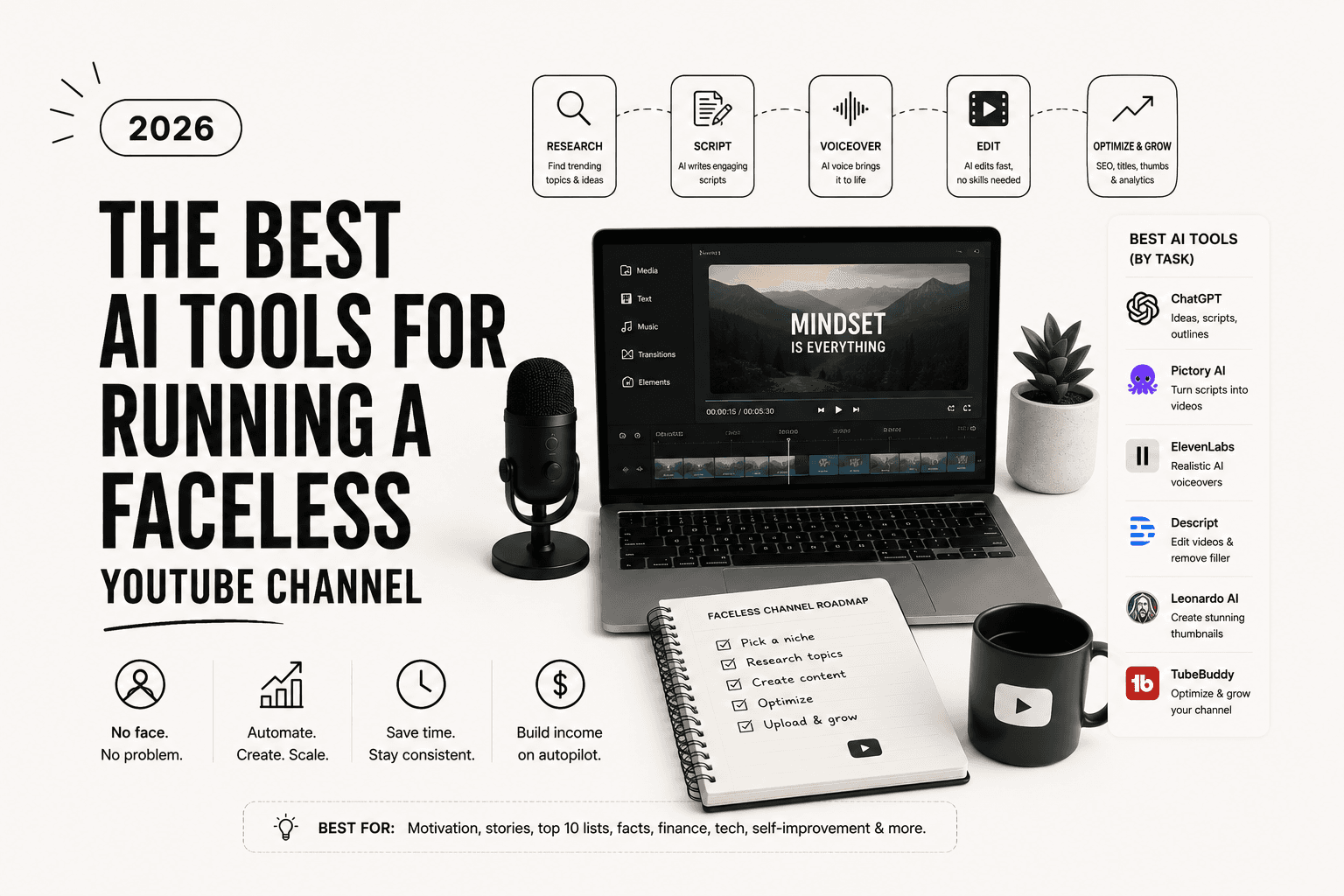
Opus Clip exists for one job and does it well: it takes a long video and finds the moments worth clipping. Feed it a webinar or a stream and it returns short vertical cuts with captions already burned in, ranked by how likely they are to travel. It is the backbone of most "clips" accounts, and it pairs naturally with a faceless YouTube workflow.
Runway
Runway is where the actual generative work lives. Its video model can extend a shot, swap a background, or turn a rough plate into something you would not be embarrassed to publish. It is not free and the learning curve is real, but for b-roll you cannot film, nothing else is close right now.
CapCut
CapCut is still the default for a reason. The auto-captions are fast and accurate, the templates match whatever is trending that week, and the mobile app is genuinely good. I use it when I need something out the door in an hour and do not care about looking original.
Pictory
Pictory turns a blog post or a script into a narrated video with stock footage stitched underneath. The output is a little generic, which is exactly why it works for volume plays where nobody expects cinema. If your goal is quantity and search traffic, it earns its keep.
Adobe Premiere with its AI cuts
If you already live in Premiere, the newer text-based editing and audio tools mean you do not need to leave. It reads your timeline as a transcript now, and the "enhance speech" feature rescued a client interview for me that I thought was a lost cause. Overkill for a beginner, ideal if you are already fluent.
Kapwing
Kapwing is the browser-based swiss army knife. Nothing it does is best in class, but it does most things competently without an install, which matters when you are on a borrowed laptop or a Chromebook. Good backup, weak primary.
How I would actually pick
If you talk to a camera, get Descript and stop reading. If you slice long content into shorts, Opus Clip plus CapCut covers you for almost nothing. Runway is the splurge, and only worth it once the boring edits are already handled. Buying all seven is how you end up editing your tool stack instead of your videos.
Most of these have a free tier good enough to test in an afternoon. Try two, not seven, and keep the one you reach for on day three. If you are building a channel around this, the make-money-online tools piece covers how people turn these edits into something that pays.
enjoyed this one?_
Get the next one in your inbox.
One email every morning. The best AI tools, reviews, and reads, decoded in five minutes.
up_next → Tools
DeepSeek Made Its 75% Price Cut Permanent. The Floor Just Fell Out of the Token Market.
DeepSeek V4 Pro now starts at $0.003625 per million tokens, runs a 1M context on Huawei silicon, and just turned a promotion into the new normal. What the price war means for everyone's API bill.