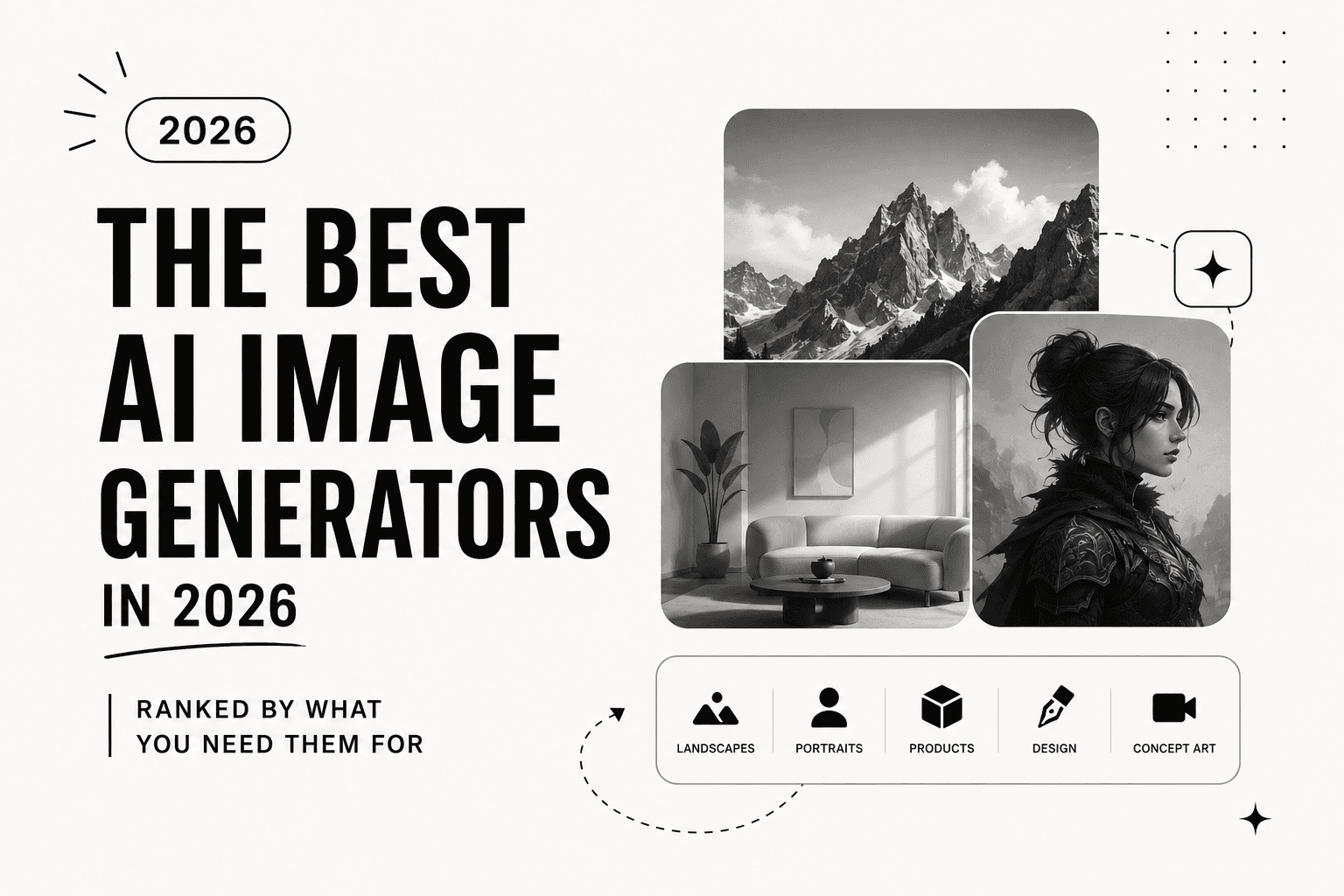
The best AI image generators in 2026, ranked by what you need them for
Midjourney, DALL-E, Leonardo, Ideogram and more, tested on real jobs. Which AI image generator to use for art, product shots, logos, and text that renders right.
By The Daily Query · · 2 min read
 query://tools
The first time an AI image generator drew exactly what was in my head, I sat there a little stunned. The second time, it gave the person six fingers and a melting ear, and I learned the real lesson: these tools are astonishing and deeply uneven, and the one that dazzles you for portraits will embarrass you on a logo.
That is why "which is best" is the wrong question. Best at what? Midjourney makes gorgeous art and cannot spell. Ideogram renders clean text and makes plainer images. A tool that is perfect for a moody book cover is useless for a product mockup that has to look real. The skill is matching the generator to the job.
I run these constantly for thumbnails, mockups, and the occasional "I need a dragon by 5pm" request. Below is how they actually sort out once you stop reading feature pages and start shipping. Pick by the picture you need, not by which name you have heard most.
Midjourney
Still the one to beat for sheer quality. Give it an atmosphere and it returns something you would pay an illustrator for. The tradeoff is control, it has strong opinions and text comes out as gibberish. For art, thumbnails, and mood, nothing looks better.
DALL-E
DALL-E, sitting inside ChatGPT, is the easiest to talk to. You describe a change in plain English and it adjusts, which makes iteration painless. The images are good rather than jaw-dropping, but the conversational editing wins when you are not sure what you want yet.
Leonardo
Leonardo is the one designers keep, because it gives you the knobs. Model choice, fine control, consistent characters across images, and a generous workflow for game and product art. Steeper to learn, far more controllable once you do.
Ideogram
Ideogram solved the problem everyone else fumbles: text. If you need a poster, a logo concept, or an image with words that actually read as words, this is the one. The general artwork is less exciting, but correct spelling on a design is worth a lot.
Adobe Firefly
Firefly's pitch is that it is trained on licensed content, which matters if you are doing commercial work and care about where the training data came from. It lives inside Photoshop's generative fill, and that integration is the real draw for anyone already in Adobe.
Flux
Flux is the strong open option, and it renders people and hands more reliably than most. If you want to run a model yourself or route it through other software, it is the flexible pick. Less hand-holding, more capability.
How to choose without wasting a week
Moody art and thumbnails, Midjourney. Anything with text on it, Ideogram. Precise control and repeatable characters, Leonardo. Fast conversational edits, DALL-E. Commercial safety inside Adobe, Firefly. You will probably end up with two, one for art and one for text, and that combination covers almost everything.
Generate the same prompt in two of them before you commit to a subscription. The gap between them on your specific kind of image is usually obvious in five minutes. If you are building a channel or store around visuals, the make money online piece covers turning images into income.
enjoyed this one?_
Get the next one in your inbox.
One email every morning. The best AI tools, reviews, and reads, decoded in five minutes.
up_next → Tools
Qualcomm Paid $4 Billion for a Software Company. It's Really Buying a Crack in NVIDIA's Moat.
Qualcomm is acquiring Modular, the company behind the MAX engine and Mojo language, for about $3.9B. The target isn't the chips. It's CUDA, the software lock-in that makes NVIDIA hard to leave.